
Visual search technology is becoming increasingly popular. People now use visuals to perform a search instead of text. Various image search techniques are used for visual search. The most prominent one among them is reverse image search. This technology promises quick results, better accuracy, and an easier way to track similar images across the web. This blog post explains what reverse image search technology is and clarifies whether it really helps find similar images or is just a myth.
What Is Reverse Image Search?
Reverse Image Search is a popular image search technique in which a search is performed online using an image as the query, rather than text or voice. The search is performed using popular image search engines such as:
- Google Images
- Bing Images
- Yandex Images
- TinEye image search
Many use the reverse image search technique for various purposes. For example:
- For finding a brand/manufacturer by using a product image.
- Find similar or high-resolution images of a product.
- Locate and verify the source of an image.
- Find a person by image and much more.
How is Reverse Image Search Performed?
There are many ways to perform a reverse image search. You can use an image search engine directly, or ask an AI tool to do it. But the most popular and efficient method is to use online reverse image search tools.
Why?
Well, there are many reasons. Three primary ones include:
- They let you search multiple image search engines from a single location.
- They are fast, efficient, and easy to use.
- You can perform a reverse image search on this tool using different inputs, e.g., uploading an image, providing the public URL of an image, or entering a keyword.
Some reliable examples of such tools include:
- Reverse Image Search by DNSChecker.org
- Reverse Image Search by Imagetotext.me
- Reverse Image Search by Imagetotextconverter.net
Does It Really Find Similar Images – Let’s Test It
So now we have introduced you to the reverse image search technology and what it does. Let’s check whether performing a reverse image search really helps find similar images, or are these just talk of the mouth?
Let suppose you were scrolling through social media and found these shoes attractive for your kid. You want to buy them, but don’t know what brand or shop they belong to. You read comments, but still nothing.
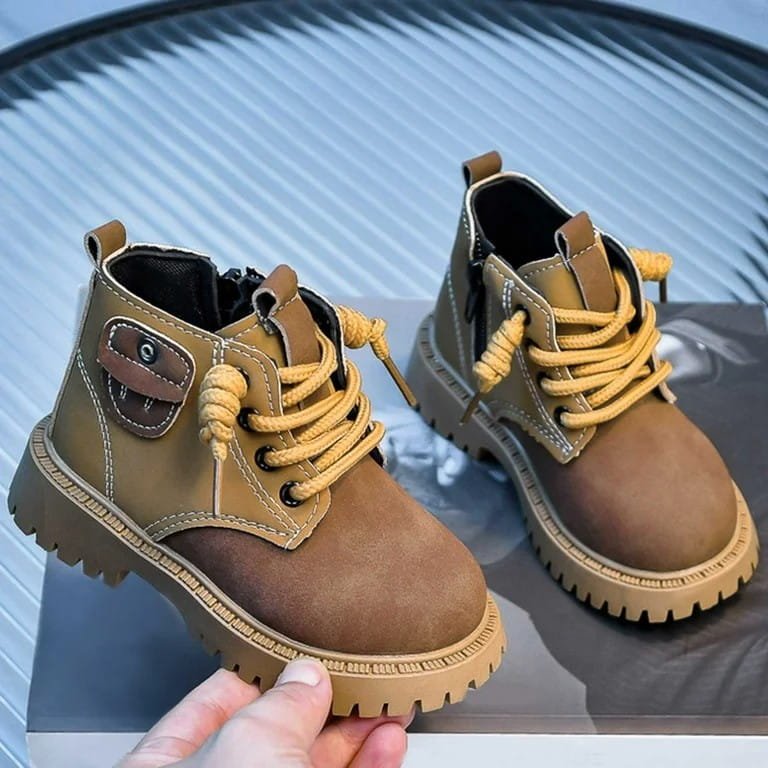
So, can reverse image search help here? Let’s test it out.
To test, we will use this reverse image search tool from DNS Checker. And the process begins by uploading.
Step 1. We uploaded the image to the said reverse image search tool.
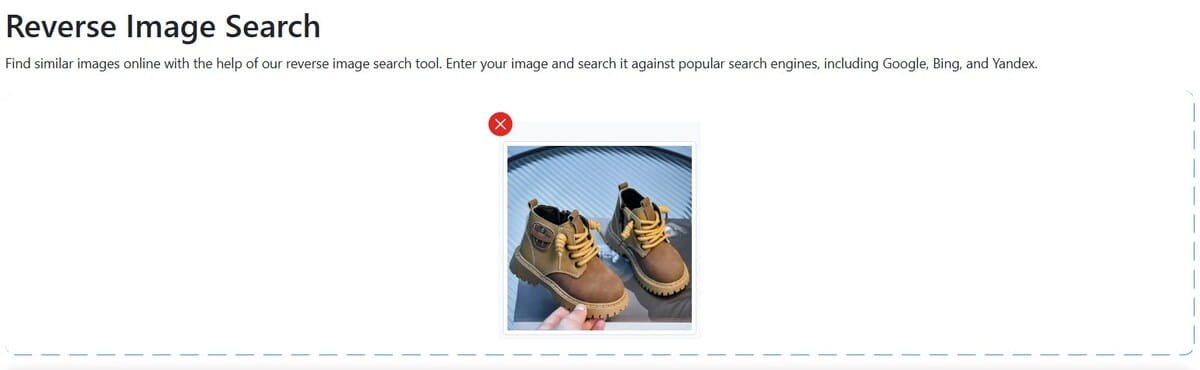
Step 2. Clicked ‘Search Similar Images’.
Step 3. The tool asked to choose an image search engine. We selected Google Images and clicked Show Matches.
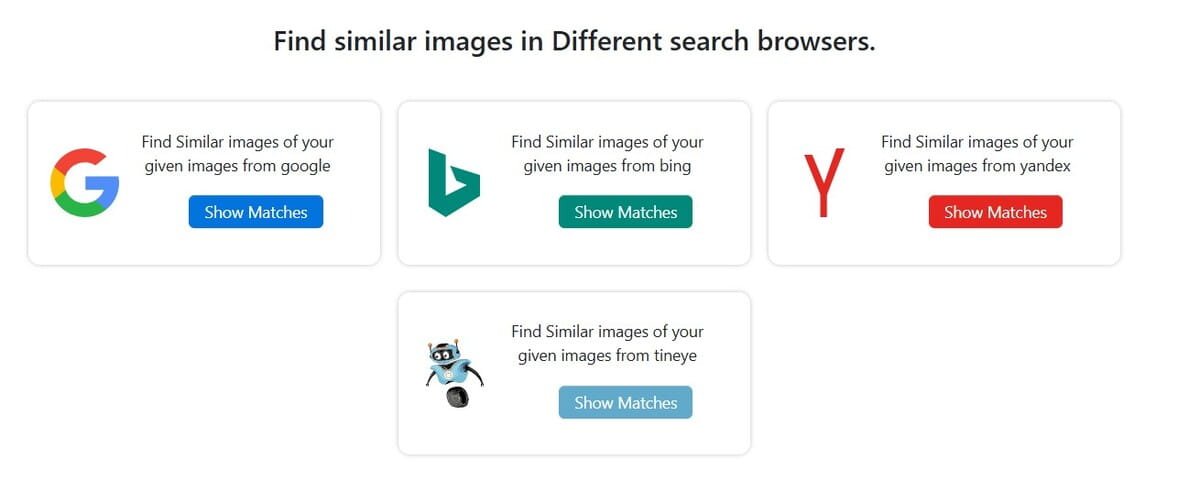
Step 4. As we clicked ‘show matches’, the tool took us directly to the Google Images results page. And here’s what it looks like:
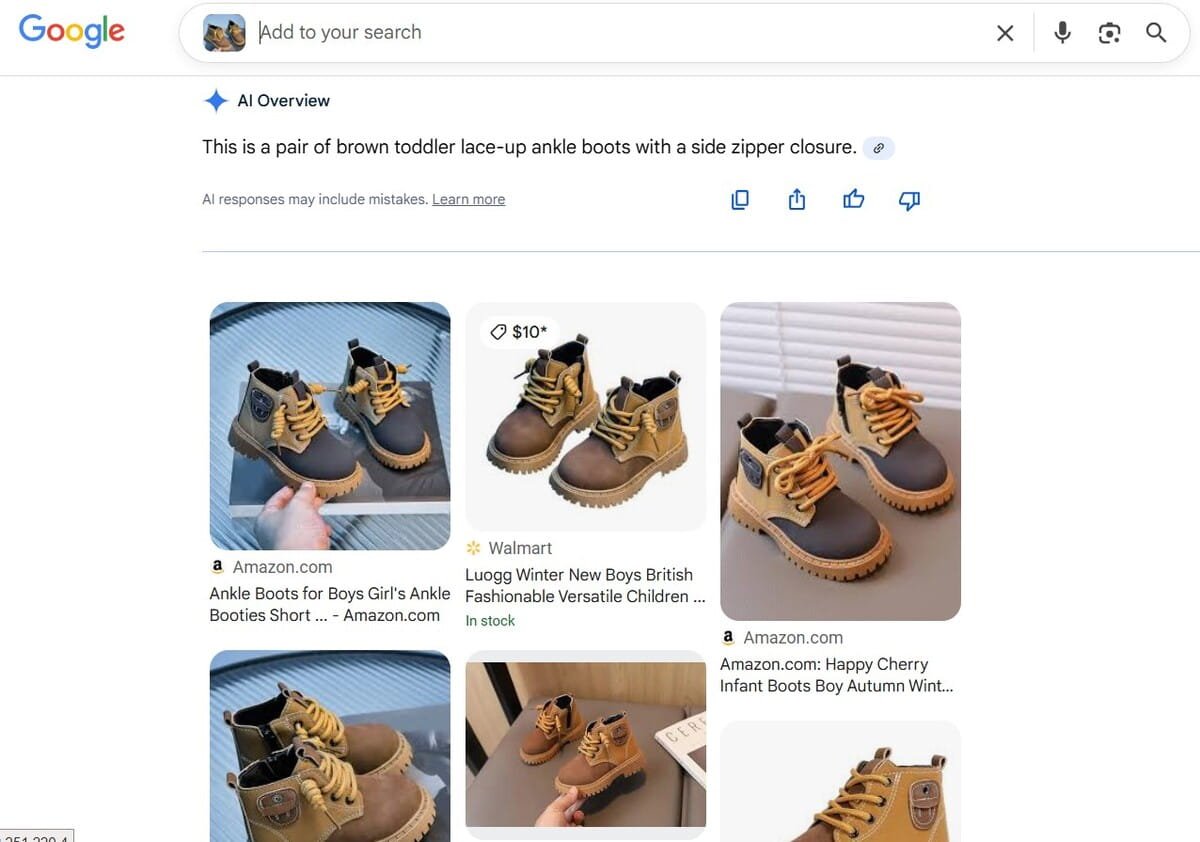
As you can see in the image above, the results include the same version of the image we uploaded, both the exact match and variations. In fact, we found that this product is available on Amazon and Walmart.
So what does this entail?
This means that the reverse image search technique is highly effective for finding similar product images and their sources online.
Can Reverse Image Search Really Help Find a Person by Image?
Another commonly asked question about reverse image search is whether it helps find a person by image or is limited just to product images. To check this, we are going to perform another test using the same tool we used earlier, but with a person’s image this time.
Let’s suppose you are scrolling through social media and watching a song or, let’s say, a movie clip. You want to know the performer’s name and explore more of their work.
Let’s check whether a reverse image search can help here.
Step 1. We uploaded a random image from a clip to the reverse image search tool.
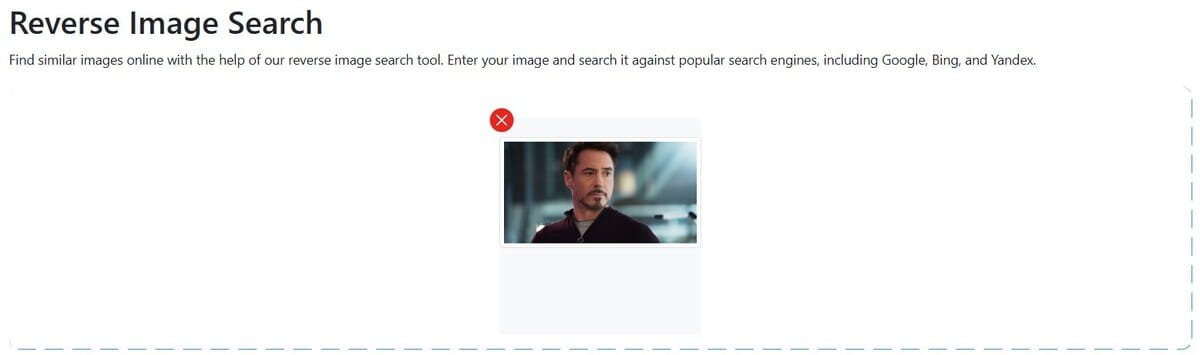
Step 2. Clicked ‘Search Similar Images’.
Step 3. Clicked ‘Show Matches’ next to the Bing option.
Step 4. The tool instantly took us to the results page. Here are the results.

As you can see, the tool has found all the relevant images of the performed, also telling the original and the role name. Some are also leading to their official social media pages.
So, this means that reverse image search can also be used to find a person by image.
Our tests show that reverse image search really works and is useful in everyday situations. We were able to track a product to multiple stores and even identify a person from a video clip. Using a reliable reverse image search tool, you can quickly find similar images, see where they came from, and get more information about them.